Home/Blog/Harnessing the Power of BaseTab AI: Transforming Your Digital Workspace for the Future of Work
virtual coworking
Harnessing the Power of BaseTab AI: Transforming Your Digital Workspace for the Future of Work
Harnessing the Power of BaseTab AI: Transforming Your Digital Workspace for the Future of Work The modern digital workspace is in a constant state of evolution, driven by the relen
14 MIN READ
01 Nov 2026
virtual coworking
Harnessing the Power of BaseTab AI: Transforming Your Digital Workspace for the Future of Work
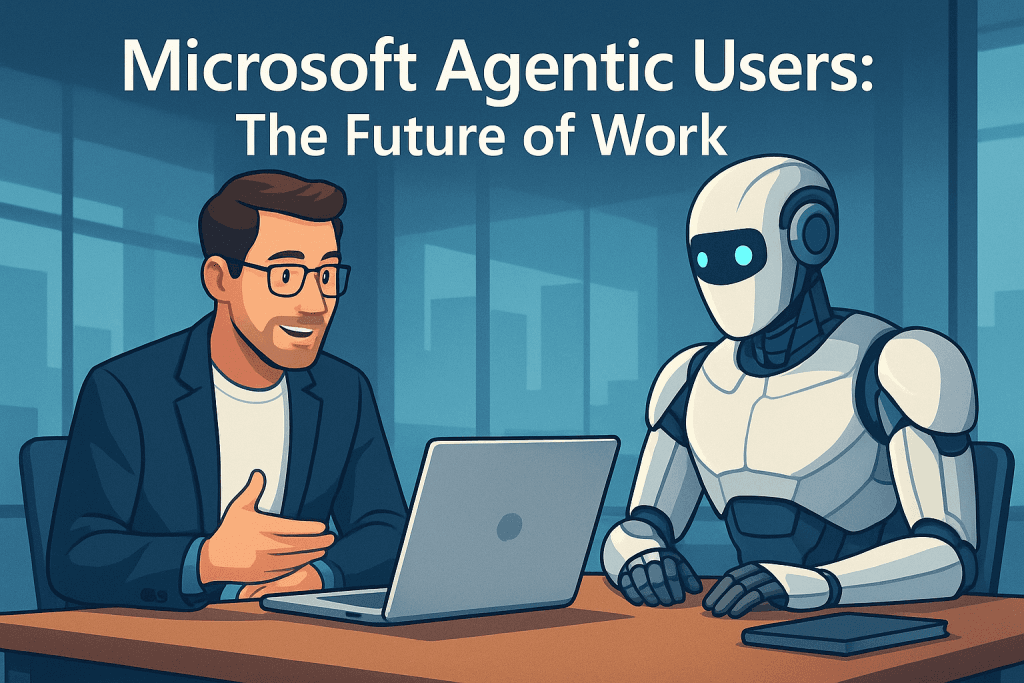
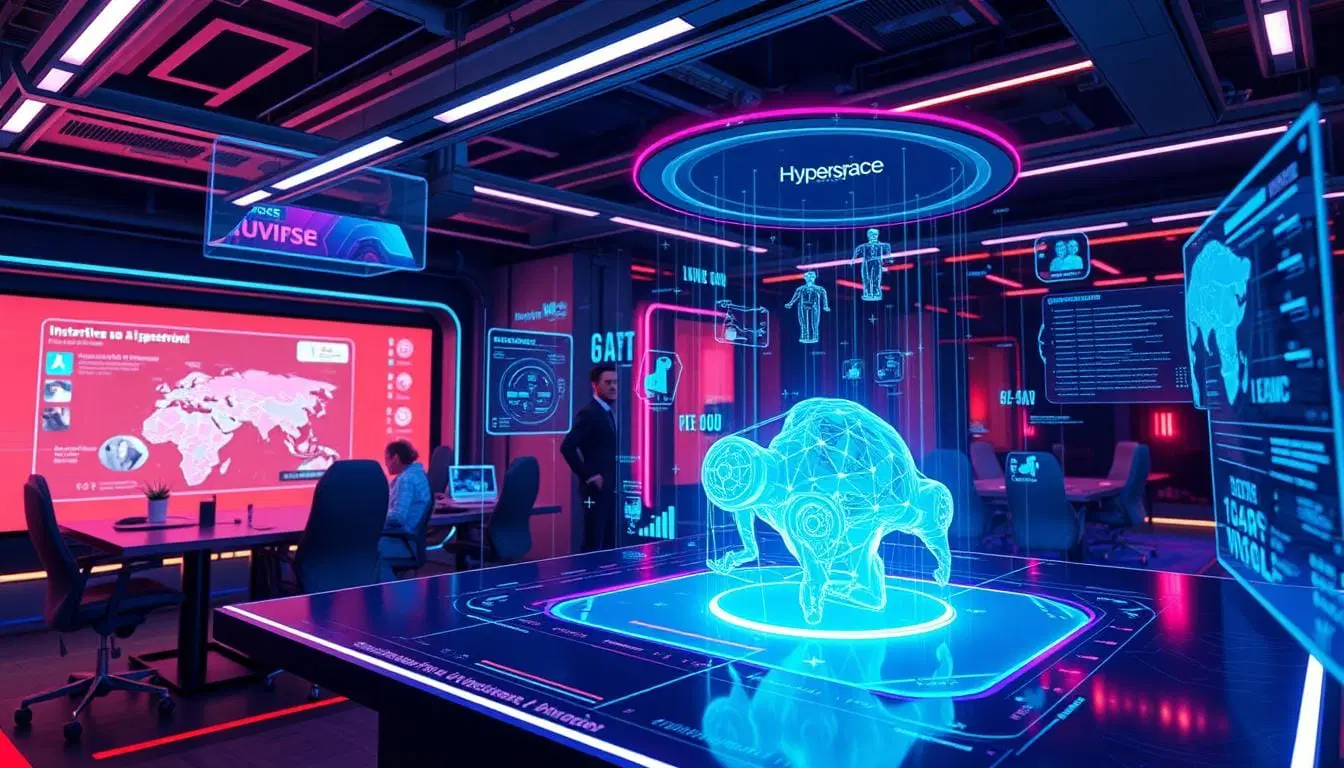
The modern digital workspace is in a constant state of evolution, driven by the relentless pace of technological innovation. As professionals navigate an increasingly complex array of tools and platforms, the demand for streamlined, intelligent interfaces has never been greater. This shift heralds the dawn of intelligent interfaces, where AI-powered solutions like BaseTab AI are emerging as crucial components for enhancing productivity and focus. These advancements are not just about incremental improvements; they represent a fundamental rethinking of how we interact with our digital environments, paving the way for advanced AI offices where human + AI collaboration becomes the cornerstone of efficiency, much like the integrated virtual environments fostered by Nonilion.
BaseTab AI is designed to transform your new tab into a powerful workspace, offering a comprehensive suite of features aimed at boosting productivity and organization. At its core, basetab.ai provides a customizable new tab experience, serving as a central hub for daily digital activities. This goes beyond a simple browser tab, evolving into a dynamic control panel for your professional life.
The platform integrates a variety of tools that cater to individual and team needs. Users can benefit from customizable widgets, allowing for a personalized layout that prioritizes essential information and functions. Bookmarks are seamlessly managed, ensuring quick access to frequently visited sites without clutter. A standout feature is the inclusion of AI chat, which introduces an intelligent assistant directly into the workflow, capable of providing quick answers or assisting with tasks without leaving the new tab interface. Furthermore, BaseTab AI offers robust Google integrations, streamlining access to common Google services and applications directly from the workspace.
While BaseTab AI emphasizes its intelligent capabilities, its foundation builds upon the concept of a productivity hub, similar to
a well-organized digital dashboard: one place where users can orient themselves, access tools, and decide what deserves attention next.
02Why the New Tab Matters
The browser is often the first application opened at the beginning of a workday and the last one used before signing off. Yet the default new-tab page typically offers little more than a search box and a collection of frequently visited websites. BaseTab AI reimagines this high-visibility space as an active part of the work environment.
This approach can reduce the small points of friction that accumulate throughout the day. Instead of opening several tabs to check a calendar, locate a document, review a task list, and consult an AI assistant, users can organize those activities around a single workspace. The benefit is not necessarily that every task happens in one place. Rather, BaseTab AI can provide a consistent starting point from which those tasks are reached.
A central dashboard also supports better orientation. When the digital environment reflects a user’s priorities, it becomes easier to answer practical questions such as:
What is scheduled today?
Which projects require attention?
Which websites or documents are used most frequently?
What information should remain visible while working?
Which tasks can be handled with assistance from AI?
The answers will vary by role, but the principle is broadly useful. A well-designed workspace reduces the need to reconstruct context every time a new browser window is opened.
03Personalization Without Unnecessary Complexity
Customization is most valuable when it makes information easier to find rather than simply adding more visual elements. BaseTab AI’s widget-based approach allows users to shape the workspace around their own routines. A project manager may prioritize calendars, project links, and team resources, while a researcher may prefer bookmarks, reference material, and an AI chat panel.
A practical setup might include:
A calendar widget for meetings and deadlines.
A compact list of priority links for active projects.
Bookmarks grouped by function, such as communication, research, finance, or administration.
An AI chat area for drafting, brainstorming, and quick questions.
A small number of frequently used Google services.
A visual layout that keeps the most important information above the fold.
The goal should be intentional design. Users do not need to display every available tool at once. Too many widgets can recreate the same distraction that the dashboard is intended to solve. A useful starting point is to identify the activities repeated most often during a normal workday and make only those activities immediately accessible.
Personalization can also support different modes of work. A user might create one arrangement for focused individual work and another for meetings or administrative tasks. Even without separate profiles, simply changing the visible widgets and bookmark groups can help establish a clearer transition between types of work.
04AI Assistance in the Flow of Work
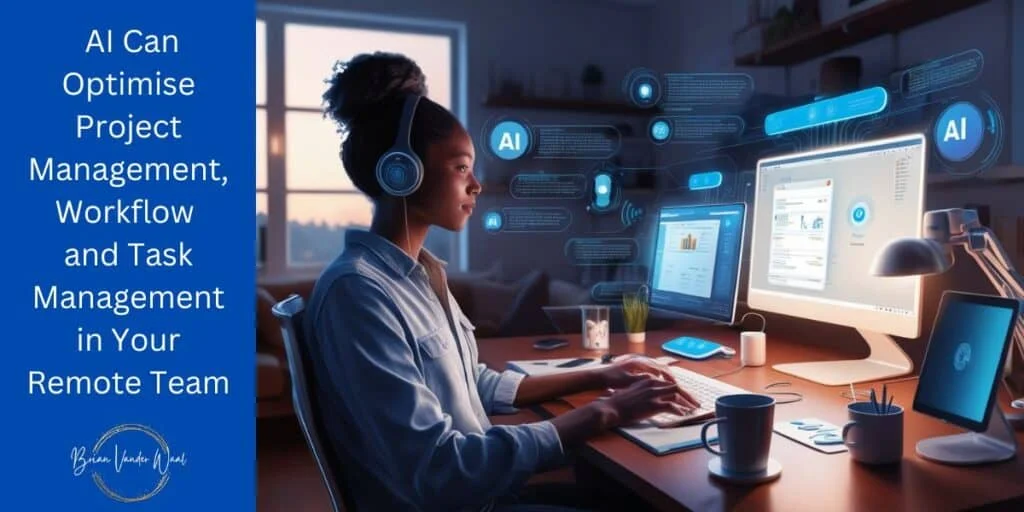
The inclusion of AI chat is one of BaseTab AI’s most significant possibilities. Placing an assistant inside the browser workspace makes AI available at the moment a question or writing task arises. This can be more convenient than switching to a separate application, copying information between windows, and then returning to the original task.
Common uses may include:
Generating an outline for a report or presentation.
Rewriting a paragraph in a clearer or more concise tone.
Creating a list of questions for a client meeting.
Brainstorming names, headlines, or campaign concepts.
Explaining an unfamiliar term.
Turning rough notes into a structured checklist.
Comparing possible approaches to a routine problem.
Producing a first draft that a person can review and refine.
The most effective use of an AI assistant is usually collaborative rather than fully automatic. AI can accelerate the first stage of a task, but users remain responsible for evaluating the result. A generated summary may omit important context, a suggested answer may be inaccurate, and a polished paragraph may not reflect the organization’s preferred voice.
For that reason, BaseTab AI should be treated as a productivity layer rather than an unquestioned authority. Users can ask the assistant to propose options, identify gaps, or improve structure, then apply their own judgment before using the output.
05Google Integrations and Connected Workflows
Many professionals rely on Google services for calendars, documents, email, cloud storage, and collaboration. Access to these tools from a unified browser workspace can make everyday navigation more efficient. Instead of treating each service as an isolated destination, users can arrange them as connected parts of a broader workflow.
For example, a weekly planning routine might begin with a calendar review, followed by an examination of project documents and a check of outstanding communication. A BaseTab AI workspace could bring the relevant links and access points together, reducing the number of searches required to begin that process.
The value of an integration depends on how it is implemented and what permissions are required. Before connecting any account, users should review the authorization request and understand what information an application can access. Organizations should also consider whether the integration aligns with internal security policies, especially when employees handle customer information, financial records, or confidential business material.
A connected workspace is most useful when it respects boundaries. Not every document, account, or service needs to be included. Separating personal and professional resources can reduce accidental sharing and make the interface easier to manage.
06BaseTab AI for Individuals and Teams
Although a customizable new tab can be useful for individuals, the same concept can support team coordination. Teams often lose time because important resources are scattered across chat messages, email threads, cloud folders, and separate project-management systems. A shared set of links or workspace conventions can make frequently used resources more discoverable.
A team-oriented setup might include:
Links to the current project board.
Shared folders and document templates.
Customer or partner portals.
Internal knowledge bases.
Meeting and scheduling tools.
Brand guidelines and standard operating procedures.
A central location for frequently referenced forms.
BaseTab AI does not replace a dedicated project-management or knowledge-management platform. Instead, it can function as an access layer that helps people reach those systems more consistently. This distinction matters. A dashboard can organize access, but teams still need clear ownership, reliable documentation, and agreed processes behind the links.
Managers can also encourage employees to create role-specific workspaces. A sales representative may need a customer relationship platform and proposal templates, while a developer may prioritize repositories, issue trackers, documentation, and deployment dashboards. Providing flexibility can be more effective than requiring every person to use an identical layout.
07Improving Focus in a Notification-Heavy Environment
Digital productivity is not only about speed. It is also about attention. Every additional tab, alert, and application can compete for mental bandwidth. A thoughtfully configured BaseTab AI workspace may help users make deliberate choices about what appears when they begin browsing.
One useful strategy is to distinguish between orientation and interruption. A calendar or task widget can provide information without demanding immediate action. By contrast, constant notifications can fragment concentration. Users may benefit from disabling nonessential browser alerts and keeping only the services that require timely responses.
The workspace can also support a simple prioritization ritual. At the start of a session, a user might identify one major outcome, two supporting tasks, and any fixed appointments. The dashboard then becomes a launch point for those priorities rather than an endless directory of possibilities.
This approach is especially relevant for remote and hybrid workers, who often move between communication, research, administration, and focused production without a physical change of environment. A visible, consistent workspace can provide structure even when the workday takes place across multiple applications.
Convenience should not come at the expense of privacy. Any browser extension or web-based productivity platform may interact with browsing data, account connections, or content entered into its features. Users should review the provider’s privacy policy, permissions, data-retention practices, and account controls before adopting it for sensitive work.
Several basic precautions are worth following:
Install software only from an official or trusted source.
Check which browser permissions are requested.
Use strong, unique passwords and multi-factor authentication where available.
Avoid entering confidential information into an AI assistant unless the organization has approved that use.
Keep personal, client, and company data separated when possible.
Review connected applications periodically and revoke access that is no longer necessary.
Ensure the browser and extensions remain updated.
Organizations may wish to establish guidelines for AI-assisted work. These can define what information may be entered, which outputs require human review, and when a specialist or manager must approve the final result. Such rules do not need to prevent experimentation; they provide a safer framework for it.
09Measuring Whether the Workspace Helps
A productivity tool should be evaluated by its practical effect, not by the number of features it offers. After using BaseTab AI for a period of time, individuals and teams can ask whether it has produced measurable improvements.
Useful questions include:
Can frequently used resources be reached more quickly?
Is less time spent searching through old tabs or messages?
Does the layout make daily priorities clearer?
Has the AI assistant reduced time spent on repetitive drafting?
Are users opening fewer unnecessary applications?
Does the workspace support focus, or does it create another source of distraction?
Are connected accounts and permissions still appropriate?
Simple observations can be enough. A user might track how long it takes to begin a recurring workflow before and after organizing the dashboard. A team could survey members about whether shared resources are easier to find. If the workspace becomes crowded or rarely used, that is a signal to simplify it.
Productivity is also personal. A layout that helps one person may overwhelm another. The best configuration is the one that matches the user’s responsibilities, habits, and tolerance for visual information.
10Building a Future-Ready Digital Workspace
BaseTab AI reflects a broader change in how people think about software interfaces. Instead of opening individual applications one by one, users increasingly expect workspaces to bring relevant tools, information, and assistance together. This shift can make technology feel more adaptive and more aligned with the way work is actually performed.
The future of work will likely involve many such layers: AI assistants that help interpret information, dashboards that surface priorities, integrations that connect services, and personalized interfaces that adapt to different roles. Human judgment remains central within that model. Technology can organize options and accelerate routine actions, but people still define goals, assess quality, manage relationships, and make consequential decisions.
For users exploring BaseTab AI, the most effective starting point is modest. Begin with the resources used every day, add only the widgets that support a clear purpose, and test the AI assistant on low-risk tasks. Over time, the workspace can evolve as responsibilities change.
A browser’s new tab may seem like a small part of the digital environment, but it is visited repeatedly and often sets the tone for the next task. Turning it into a purposeful productivity hub can reduce friction, improve orientation, and create a more deliberate relationship with digital work. Used thoughtfully, BaseTab AI offers a practical example of how intelligent interfaces can bring human and AI capabilities closer together without removing the judgment that makes work meaningful.
For BaseTab AI, Nonilion can be used as the practical AI-office example: a shared workspace where human teammates and AI agents keep discussion, decisions, and execution connected.
11Why This Trend Matters for Nonilion
This trend matters to Nonilion because it points to a bigger change: teams are moving from simple calls toward persistent, AI-supported collaboration spaces. Nonilion can bridge live presence, meeting context, avatars, and follow-up work so the trend becomes a usable workflow instead of a headline.
12Shareable Extracts
The trend is not just "Harnessing the Power of BaseTab AI: Transforming Your Digital Workspace for the Future of Work" - it is a signal that team coordination is becoming the next competitive edge.
Hot take: the teams that win from this shift will not be the ones with more meetings; they will be the ones with clearer shared context after every meeting.
If harnessing the power of basetab ai: transforming your digital workspace for the future of work keeps moving this fast, remote teams need a workspace where conversation, presence, and follow-up stay connected.
Harnessing the Power of BaseTab AI: Transforming Your Digital Workspace for the Future of Work The modern digital workspace is in a constant state of evolution, driven by the relentless pace of technological innovation.
As professionals navigate an increasingly complex array of tools and platforms, the demand for streamlined, intelligent interfaces has never been greater.
13Social Hooks
Everyone is talking about Harnessing the Power of BaseTab AI: Transforming Your Digital Workspace for the Future of Work. The overlooked part is what happens to team workflows after the headline fades.
The uncomfortable question behind Harnessing the Power of BaseTab AI: Transforming Your Digital Workspace for the Future of Work: are teams adapting their collaboration systems fast enough?
This is not a meeting trend. It is a coordination trend, and products like Nonilion sit right in the middle of that shift.